IFC Toolbox: Intelligent BIM Data Management and Optimization Platform
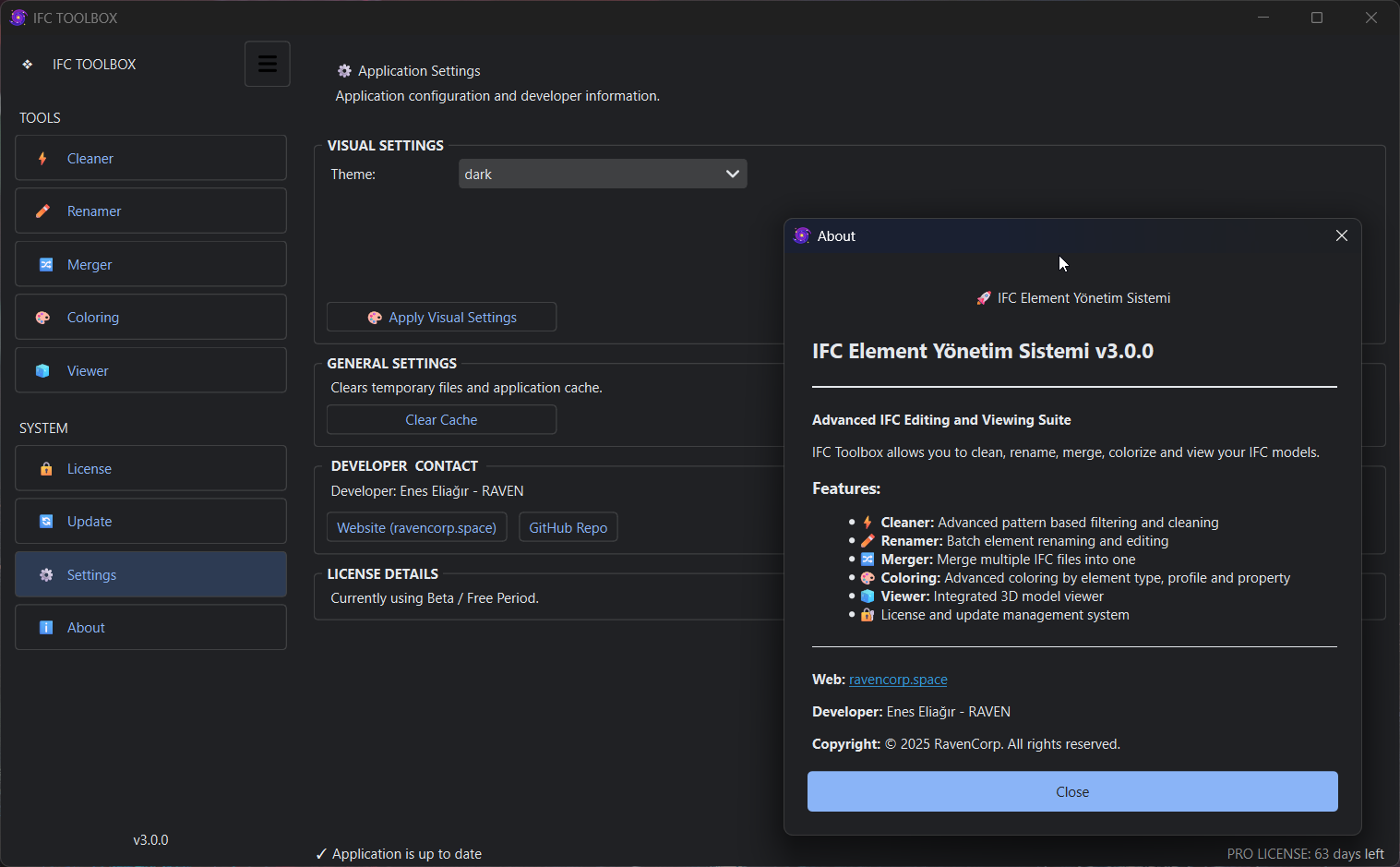
IFC Toolbox is an all-in-one desktop solution developed to manage, optimize and align your IFC files with BIM standards in the digital transformation of the construction industry (AEC). This tool set, powered by the ifcopenshell engine and presented with a modern and user-friendly interface; It solves complex workflows in seconds for architects, engineers and BIM coordinators.
🎯 Why IFC Toolbox?
The biggest obstacles encountered in BIM processes are; bloated file sizes, irregular naming and inability to visualize data. IFC Toolbox gives you 5 key strengths to overcome these challenges:
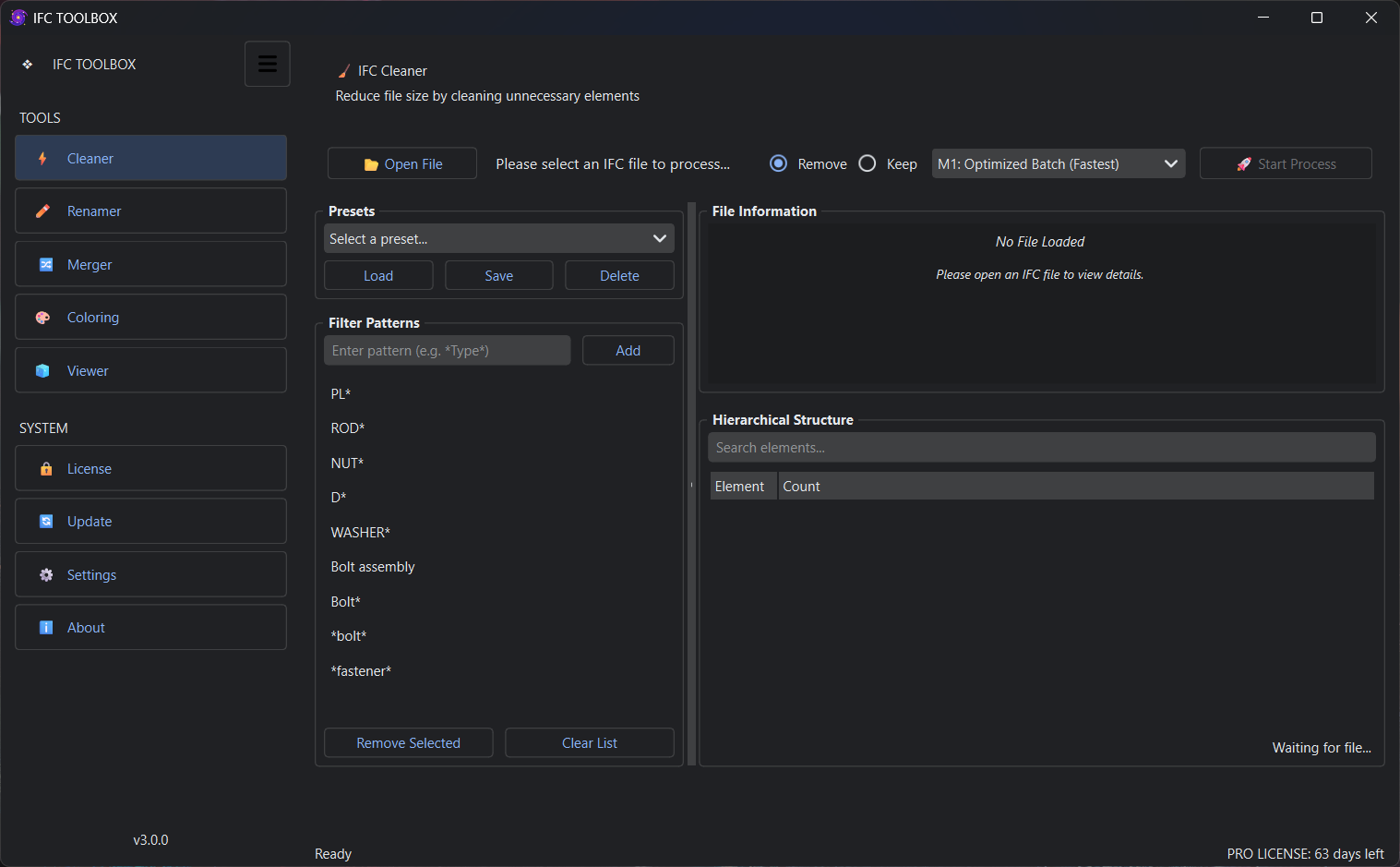
1. ⚡ IFC Cleaner (Smart Cleaning & Lightening)
Remove everything unnecessary from your model.
- Hierarchical Cleaning: Instantly remove IFC classes or element names you don't need with pattern matching.
- Huge File Support: Process GBs of models in a RAM-friendly way with "Chunked Processing" and "Direct Text Manipulation" methods.
- File Size Optimization: Reduce file size by up to 90% without disturbing the geometry.
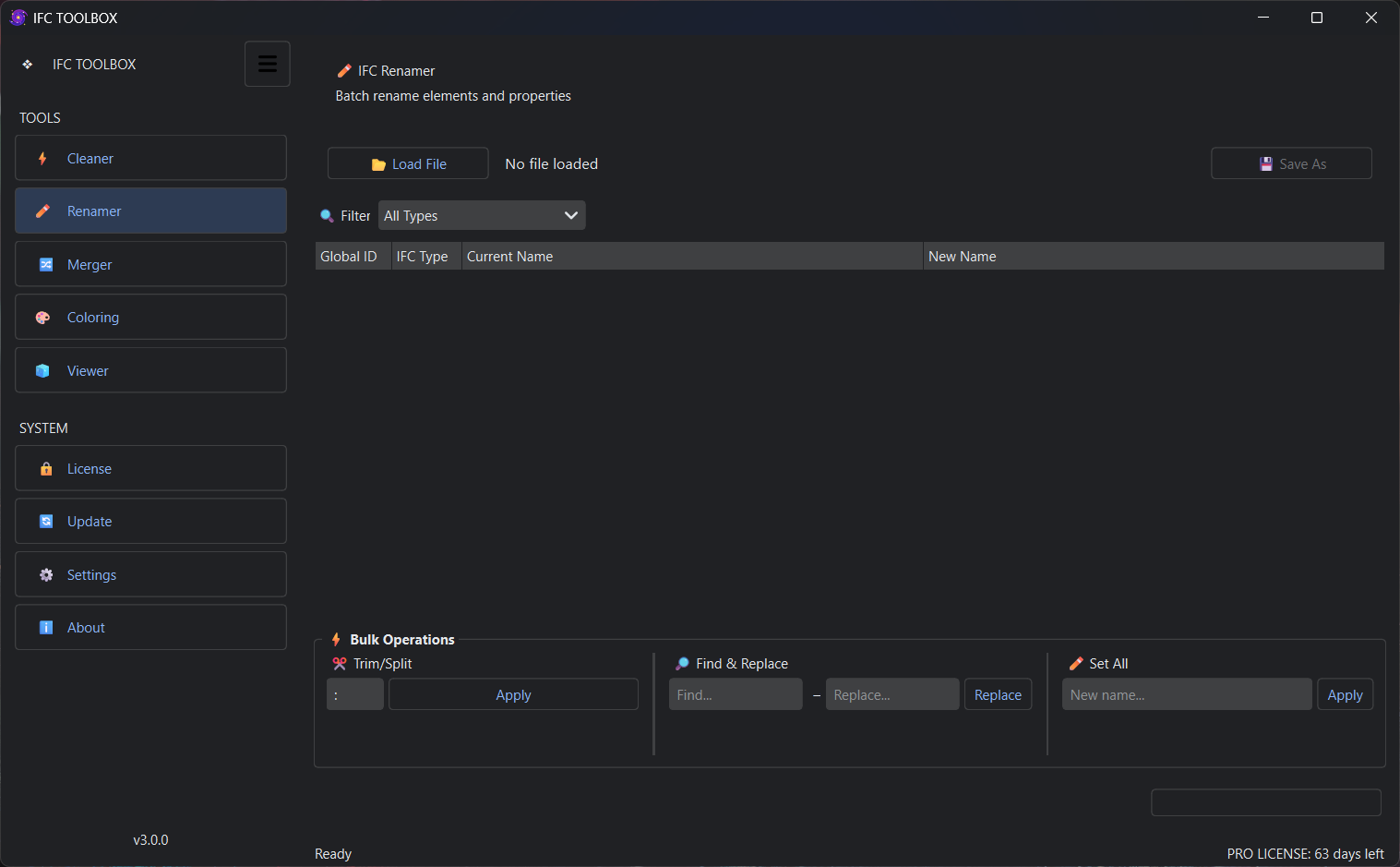
2. ✏️ IFC Renamer (Full Compliance with BIM Standards)
Naming discipline is the lifeblood of the project.
- Bulk Naming: Make thousands of elements comply with standards (ISO 19650) with Find & Replace or Split operations.
- Live Preview: Avoid errors by comparing "Old Name vs New Name" before saving.
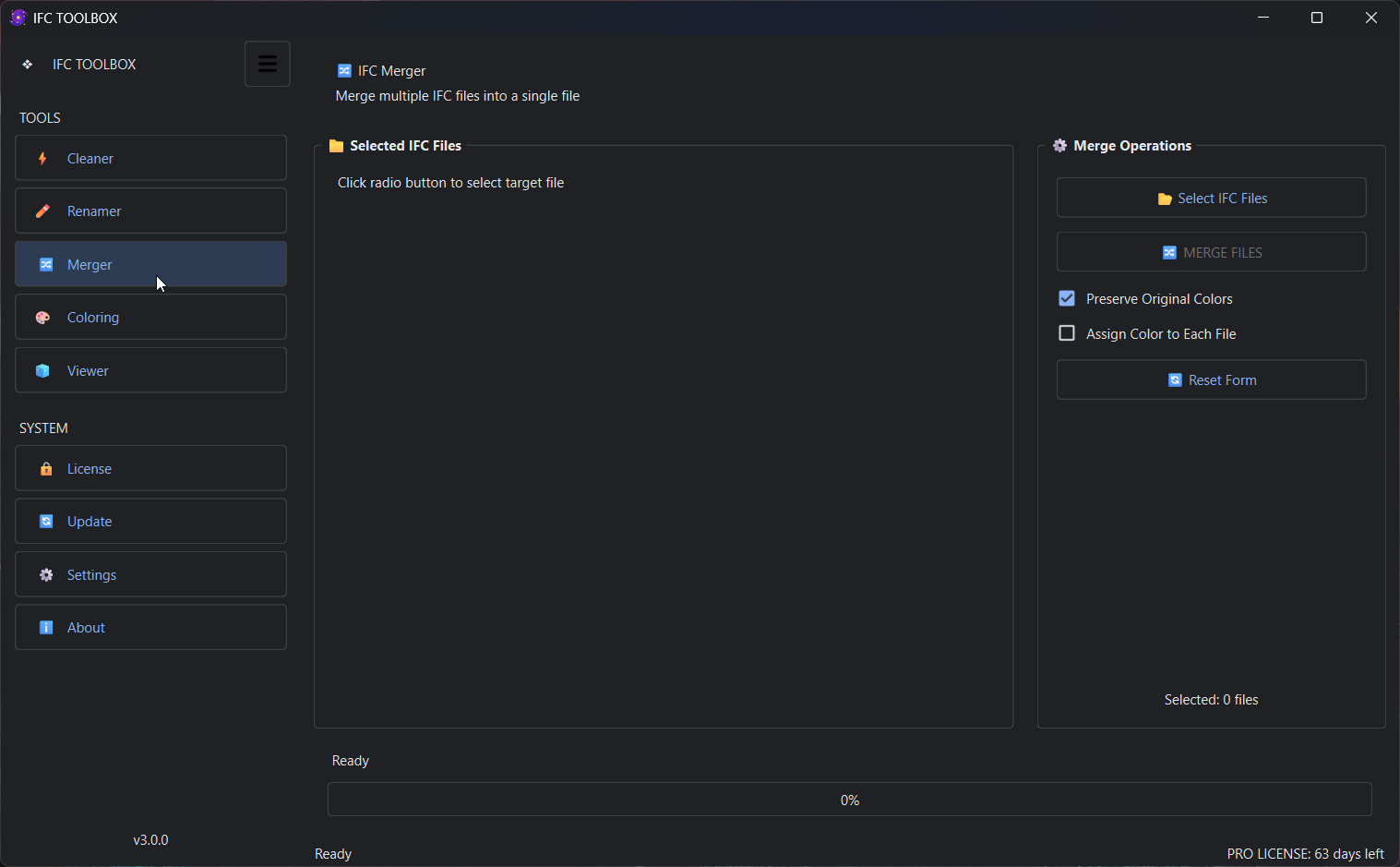
3. 🔀 IFC Merger (Interdisciplinary Coordination)
Merge models from different teams in a single center.
- Seamless Integration: Merge architectural, structural and MEP files without loss of geometry and style.
- Visual Discrimination: Easily distinguish patterns by assigning a different color to each file when merging.
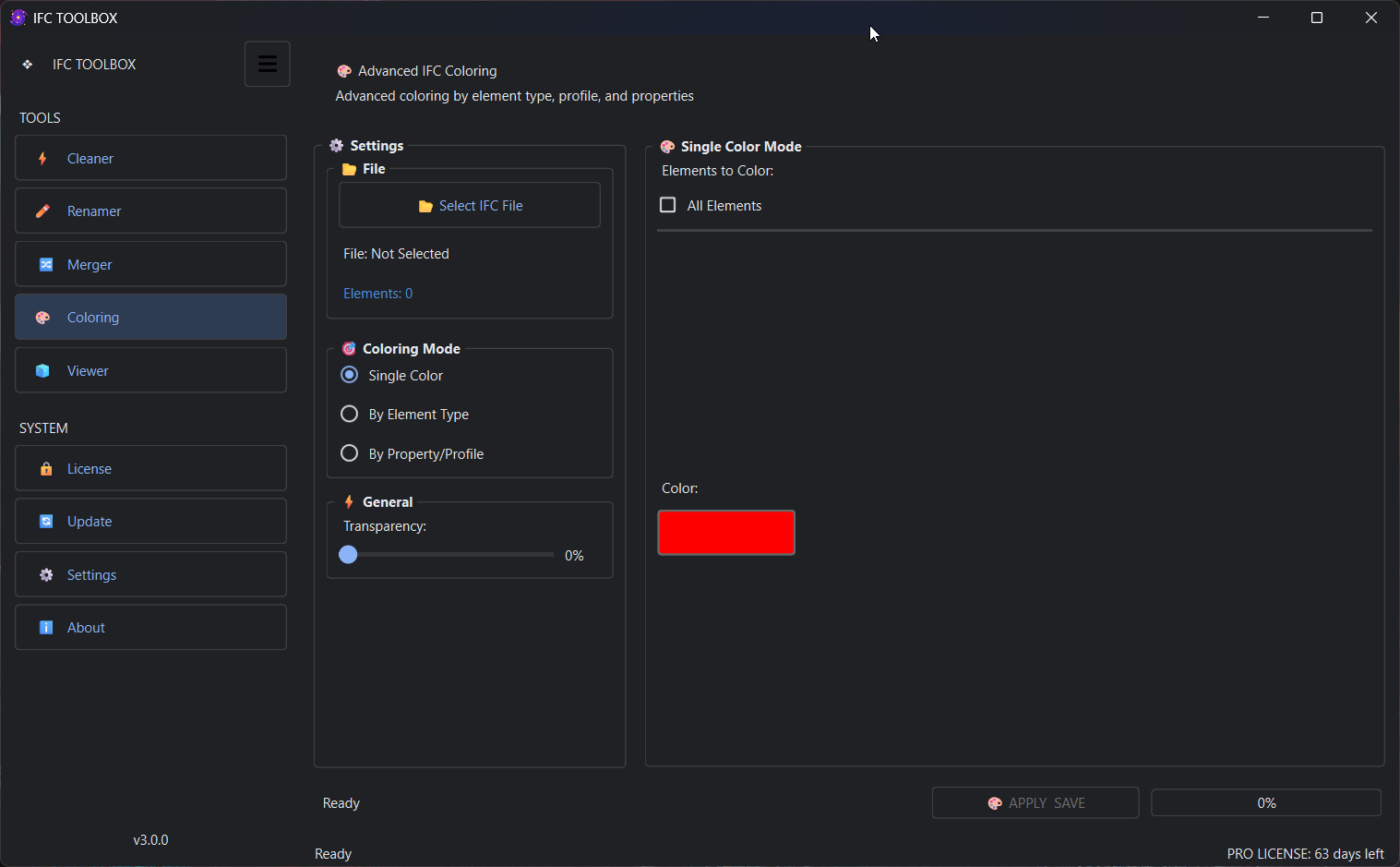
4. 🎨 IFC Colorizer (Data-Driven Visual Analysis)
Pour the data into colors, see the difference.
- Property-Based Coloring: Color the elements according to their property (Pset) values, not just their type.
- Missing Data Detection: Visually detect elements with undefined parameters, improve model quality.
5. 🧊 Integrated 3D Viewer & Spatial Navigation
Don't get lost in the model.
- Spatial Tree View: Examine the elements in their structural hierarchy (Site > Building > Storey).
- Instant Control: You can easily perform all the cleaning and naming operations within the application. Verify with 3D engine.
💎 High-Segment Features
- Premium Dark Interface: Eye-friendly, professional working environment oriented modern design.
- Full Data Security: Unlike cloud-based solutions, your files do not leave your computer. 100% Offline processing capacity.
- High Performance (Cython Core): Critical modules are compiled with Cython, which makes it much faster than its competitors.
- Easy Licensing and Update: Secure license system with RSA encryption and in-app automatic updating support.
🚀 Performance Oriented Workflows
- For Architects: Cleaning the "Opening" or "Space" elements in the model in seconds to prepare presentation files
- For BIM Coordinators: Collect complex data from different software (Revit, ArchiCAD, Tekla) in a single naming standard.
- For Contractors: Visualize construction site models with color codes (e.g. according to "Concrete Class") and measure quantities
Leave the complexity behind and start managing your data today.
🔗 Explore / Buy Features: ravencorp.space