15-Day Trial Version
Developer: Ahmed Zaitoon
Full version available at:
AZ Dev Store
Overview
AZ Filtering is a powerful productivity extension for Tekla Structures that enables detailers, engineers, and project managers to quickly filter, select, and isolate model objects using complex criteria.
Instead of manually searching through models, users can instantly select objects based on profiles, materials, bolts, or connection data.
Why Choose AZ Filtering?
Maximize Efficiency: Instantly filter thousands of objects by name, profile, material, or assembly prefix.
Eliminate Errors: Select only required objects for editing, checking, or CNC export.
Seamless Integration: Plug-and-play tool that automatically connects to the active Tekla session.
Key Features
1. Comprehensive Object Filtering
Filter model objects by type:
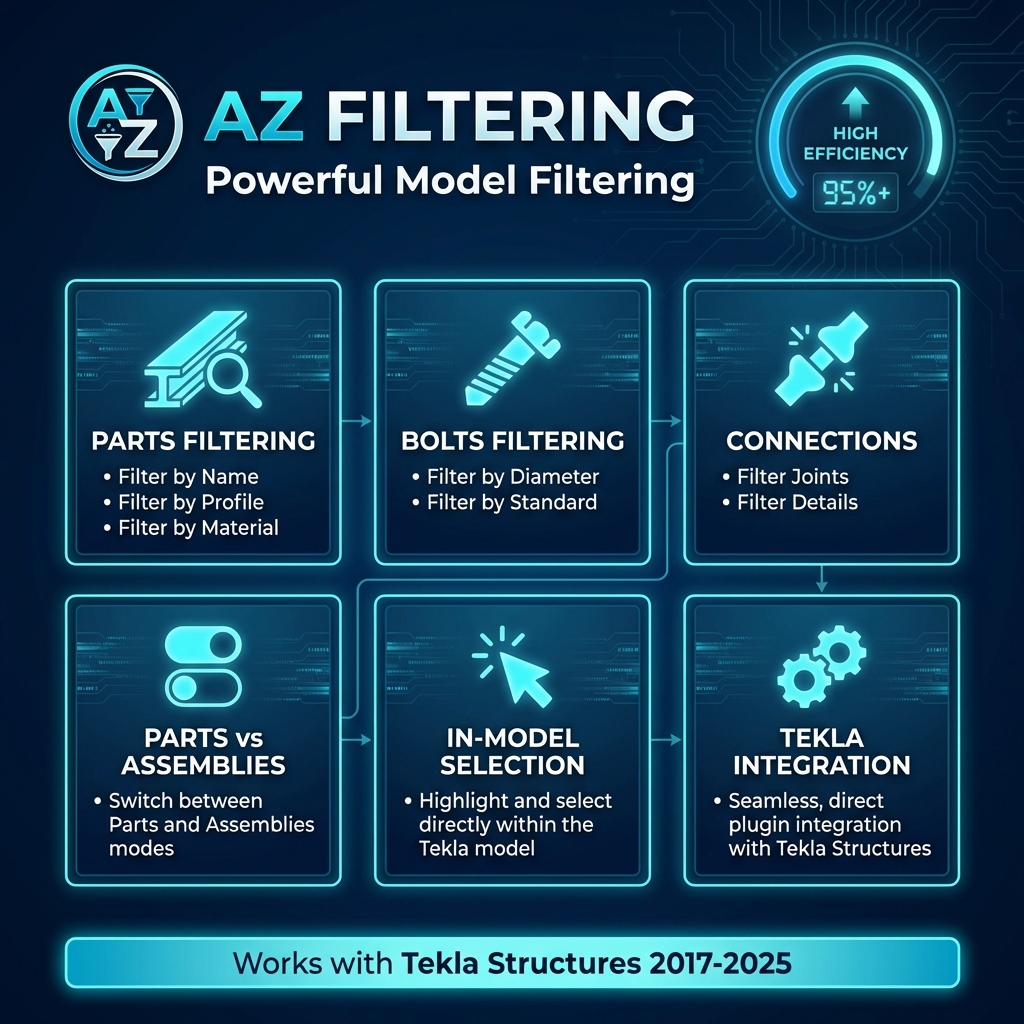
- Parts: Filter by name, profile (W12x26, HEB200, etc.), material grade, or assembly prefix
- Bolts: Filter by diameter, standard (7990, A325, etc.), tolerance class, or length
- Connections: Filter by name, class/type, or code/number
- Connection Objects: Select only connection-generated parts (plates, stiffeners, angles)
2. Smart Selection Tools
Full control over model interaction:
- Part vs Assembly Toggle: Switch between part-level or assembly-level selection
- Live In-Model Selection: Filtered objects are highlighted in the 3D model
- Isolation Mode: Focus only on selected elements
- Quick Restore: Bring full model back instantly
3. Modern User Experience
- Auto-Connect: Detects active Tekla session automatically
- Live Updates: Filter lists update in real time
- Session Memory: Saves last filter settings
- Modern UI: Clean, lightweight interface for long-term use
Compatibility
Supported Versions:
2017 | 2018 | 2019 | 2019i | 2020 | 2021 | 2022 | 2023 | 2024 | 2025
Key Features
- Filter parts, bolts & connections
- Live isolation mode
- Session memory & auto-connect