15-Day Trial Version
Developer: Ahmed Zaitoon
Full version available at:
AZ Dev Store
Overview
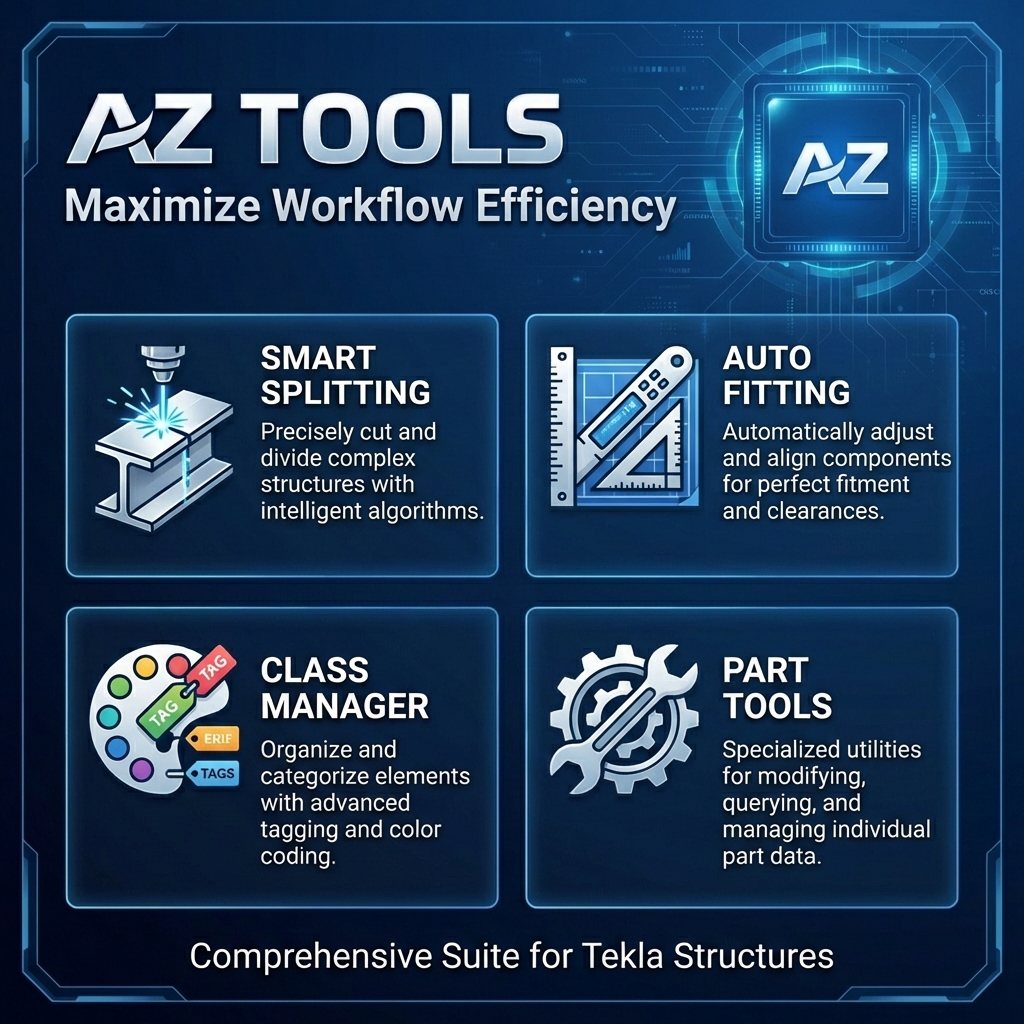
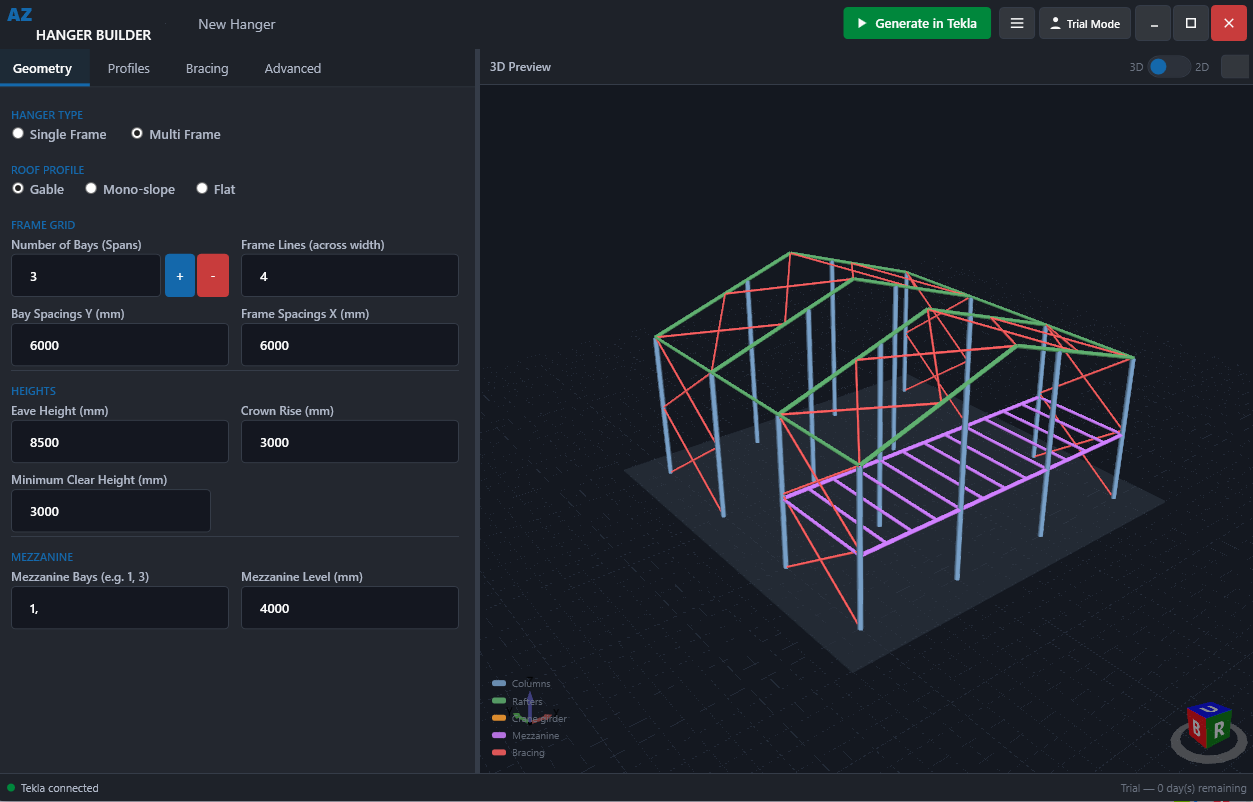
AZ Tools is a powerful productivity extension designed to streamline your daily modeling tasks in Tekla Structures. By automating repetitive operations such as splitting, fitting, and attribute management, AZ Tools helps you detail faster and with greater precision.
Why Use AZ Tools?
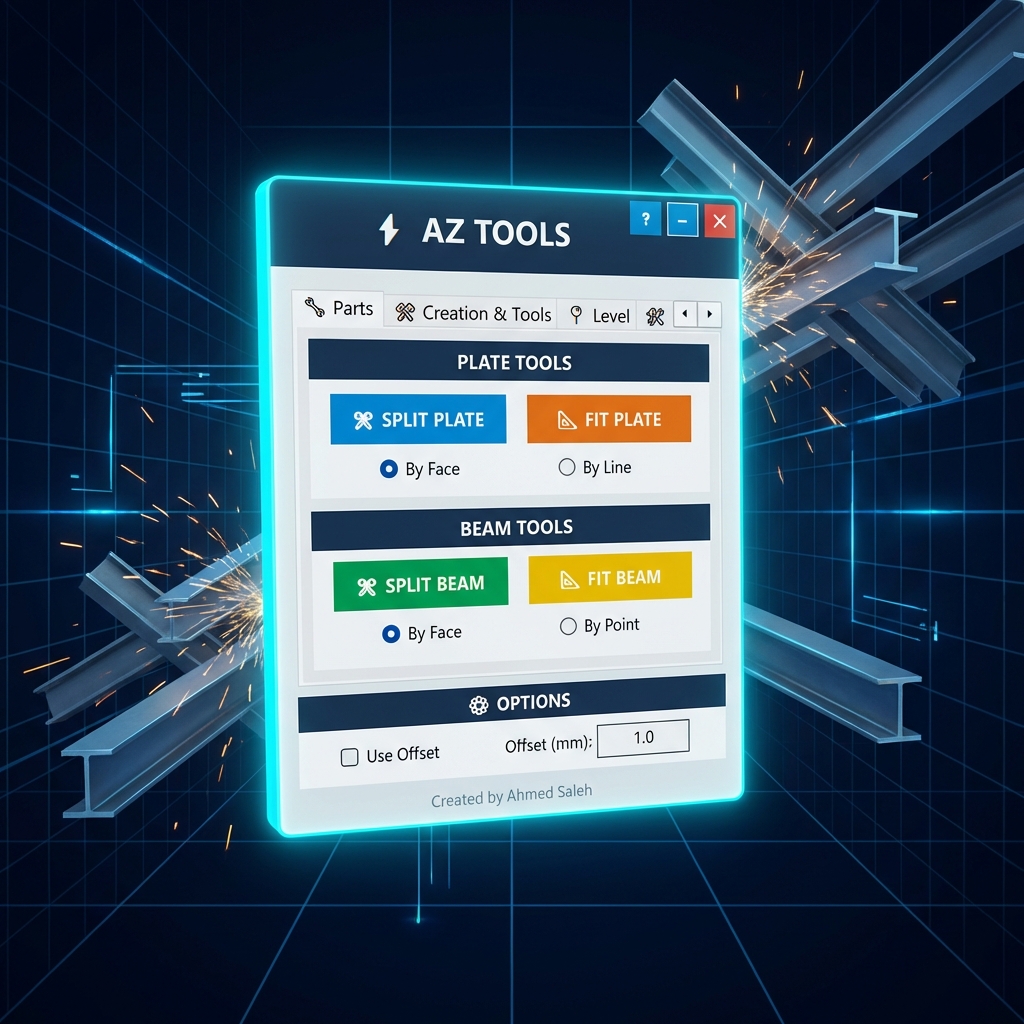
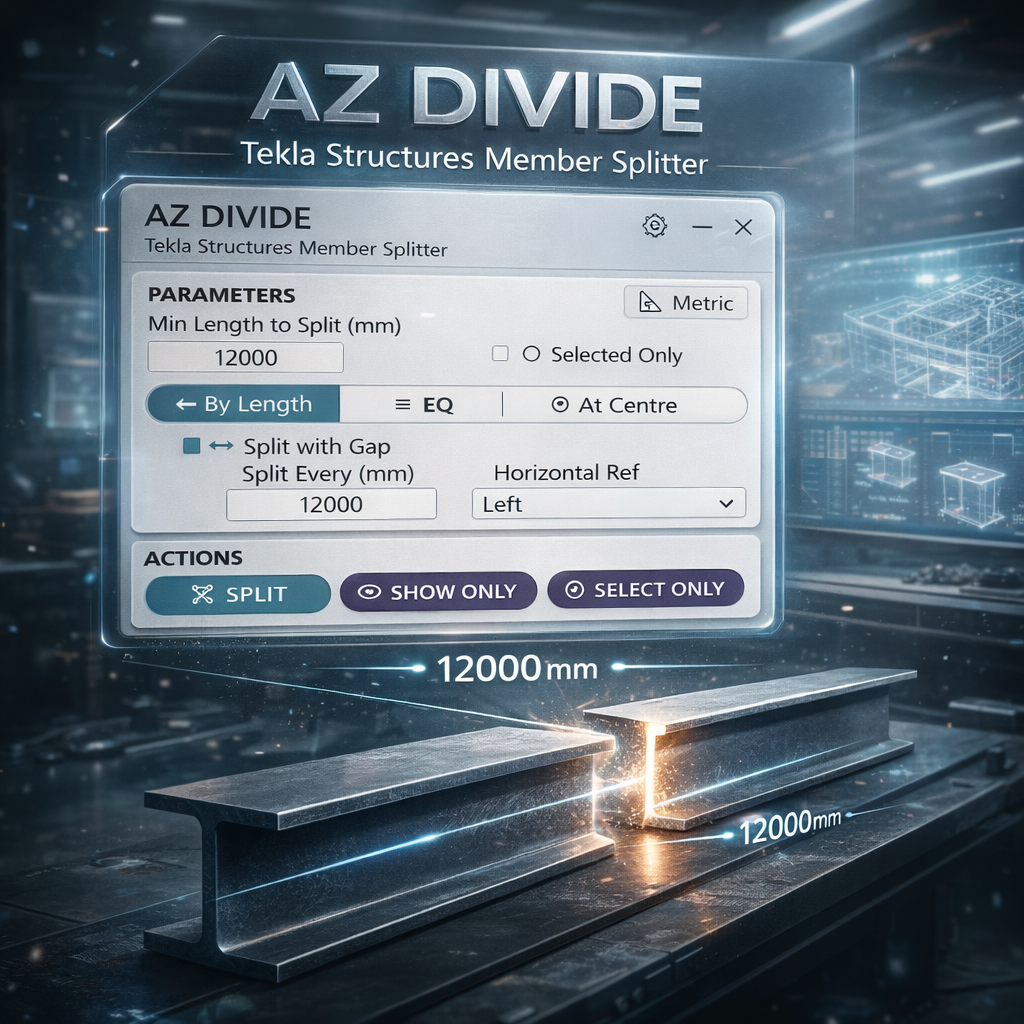
Precision Splitting: Split beams and plates without losing connections, detailing, or drawings.
Smart Fitting: Instantly fit parts to planes and geometries with intelligent gap handling.
Key Features
Advanced Splitting
- Beam Splitting: Perform native split operations while preserving bolts, welds, and connections.
- Plate Splitting: Robust tools to split contour plates by plane or polyline while maintaining all associated data.
Intelligent Fitting
- Fit by Plane: Instantly fit beam ends or plate edges to any geometric plane in the model.
- Auto-Correction: Fix gaps and overlaps between parts with a single click.
Modeling Utilities
- Class Manager: A visual tool to quickly assign and verify part classes (Color codes 1–14) for better model organization.
- Attribute Tools: Smart copy/paste functionality for User Defined Attributes (UDAs) and properties across different part types.
Compatibility
Tekla Structures: 2020, 2021, 2022, 2023, 2024, 2025
OS: Windows 10/11 (64-bit)
Interface: Modern dark-themed UI that integrates seamlessly into the Tekla environment.
Key Features
- Smart Beam & Plate Splitting
- Fit by Plane with Gap Handling
- Class Manager & UDA Tools